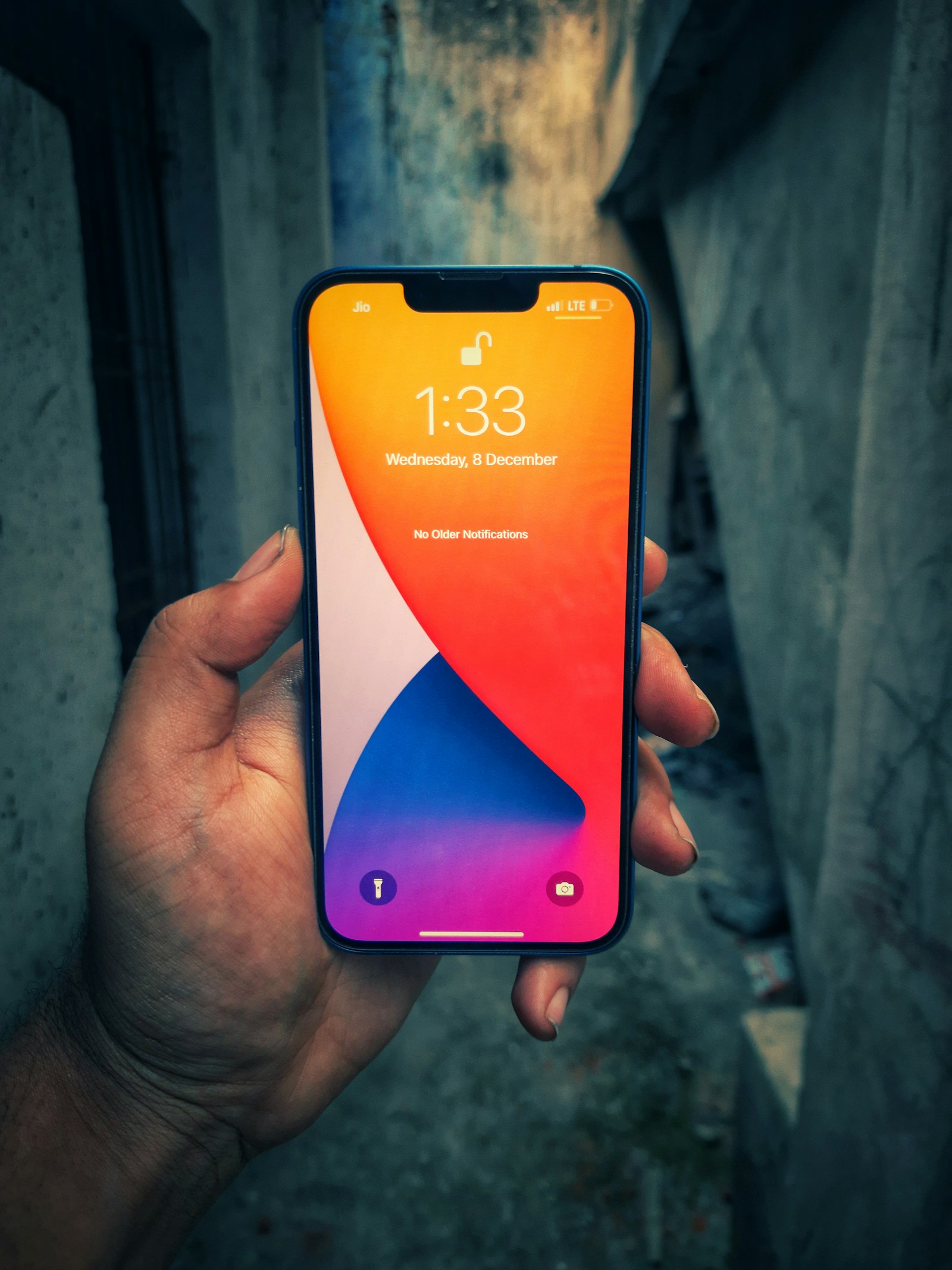
iOS 26.6 is the security update to install before iOS 27
Apple’s July 27 release patches dozens of iPhone and iPad security issues, including a physical-access flaw affecting iPhone Mirroring.
Apple released iOS 26.6 and iPadOS 26.6 on July 27, just as attention turns to the iOS 27 public beta. The update is not a feature showcase: Apple’s security bulletin lists fixes across accessibility, Accounts Framework, CoreAudio, Kernel, Safari, WebKit and other system components.
Apple does not publish a single headline total in the bulletin, but the list runs to dozens of entries. One example affects iPhone 11 and later: an attacker with physical access could potentially reach sensitive data during iPhone Mirroring. Apple says it addressed that issue through improved state management. Other entries cover risks involving malicious content, elevated privileges and memory handling.
That makes 26.6 relevant even for people testing iOS 27. The stable branch receives its own security fixes, while the beta has a different risk profile and is not a substitute for updating a production iPhone or iPad. Users should install the release through Settings > General > Software Update, after making a current backup.
The practical message is simple: iOS 27 may be the more visible update, but iOS 26.6 is the maintenance release that closes the immediate security gap. Unless a device is deliberately reserved for beta testing, the stable update is the sensible choice before experimenting with Apple’s next major platform version.
Reading an Apple security bulletin takes a little decoding. Each entry carries a CVE identifier, the affected component and a one-line description of the impact, but Apple deliberately withholds technical detail and, as a matter of long-standing policy, does not discuss vulnerabilities until an investigation is complete and a fix is available. The terse format is intentional: it confirms what was fixed without handing attackers a manual for exploiting devices that have not yet updated.
Two component names in the list deserve particular respect. WebKit is the engine that renders web content in Safari and in the in-app browsers used throughout iOS, which makes it the single most exposed piece of the system — any malicious page is a potential delivery vehicle. Kernel flaws sit at the other end of the chain: they concern the core of the operating system, where a successful exploit yields the deepest level of control. Real-world attacks have historically paired the two, using a browser bug for entry and a kernel bug for takeover, which is why an update that patches both layers at once merits prompt installation.
There is also a timing argument for not waiting. Once a bulletin is published, security researchers — and attackers — can compare the patched and unpatched code to work out exactly what changed, a practice known as patch diffing. Historically, the window between a fix shipping and working exploits circulating has kept narrowing, which means the publication of the iOS 26.6 bulletin is itself a reason to update sooner rather than later.
Apple’s servicing model provides some safety net for those who lag behind. The company routinely backports selected fixes to older iOS branches for devices that cannot move forward, and it introduced Rapid Security Responses in 2023 precisely so that narrow, urgent fixes could ship between full point releases. Neither mechanism, however, is a substitute for running the current release on hardware that supports it. Devices left on earlier branches receive only the fixes Apple chooses to backport — typically a subset of what the current release gets — so staying current on supported hardware remains the strongest protection available.
There is a longer-term reason this particular update matters, too. Historically, the final point releases of an iOS generation become the resting version for iPhones and iPads that are dropped from the next major update. If some devices do not make the cut for iOS 27, the 26.x branch — and maintenance releases like this one — will be what continues to protect them for years.
For most people the sensible setup is automation: enable automatic updates in Settings so releases like this install overnight, keep an iCloud or computer backup current, and reserve beta software for hardware that can afford surprises. Users who face elevated risk — journalists, activists, executives — can additionally consider Lockdown Mode, the hardened protection profile Apple has offered since iOS 16, on top of staying current with the stable branch.